 Lanecast
Your IPTV, done right.
Lanecast is a fast, clean player for your own M3U and Xtream Codes playlists. Live TV, a TV guide, films and series, with Dolby and DTS sound that just works.
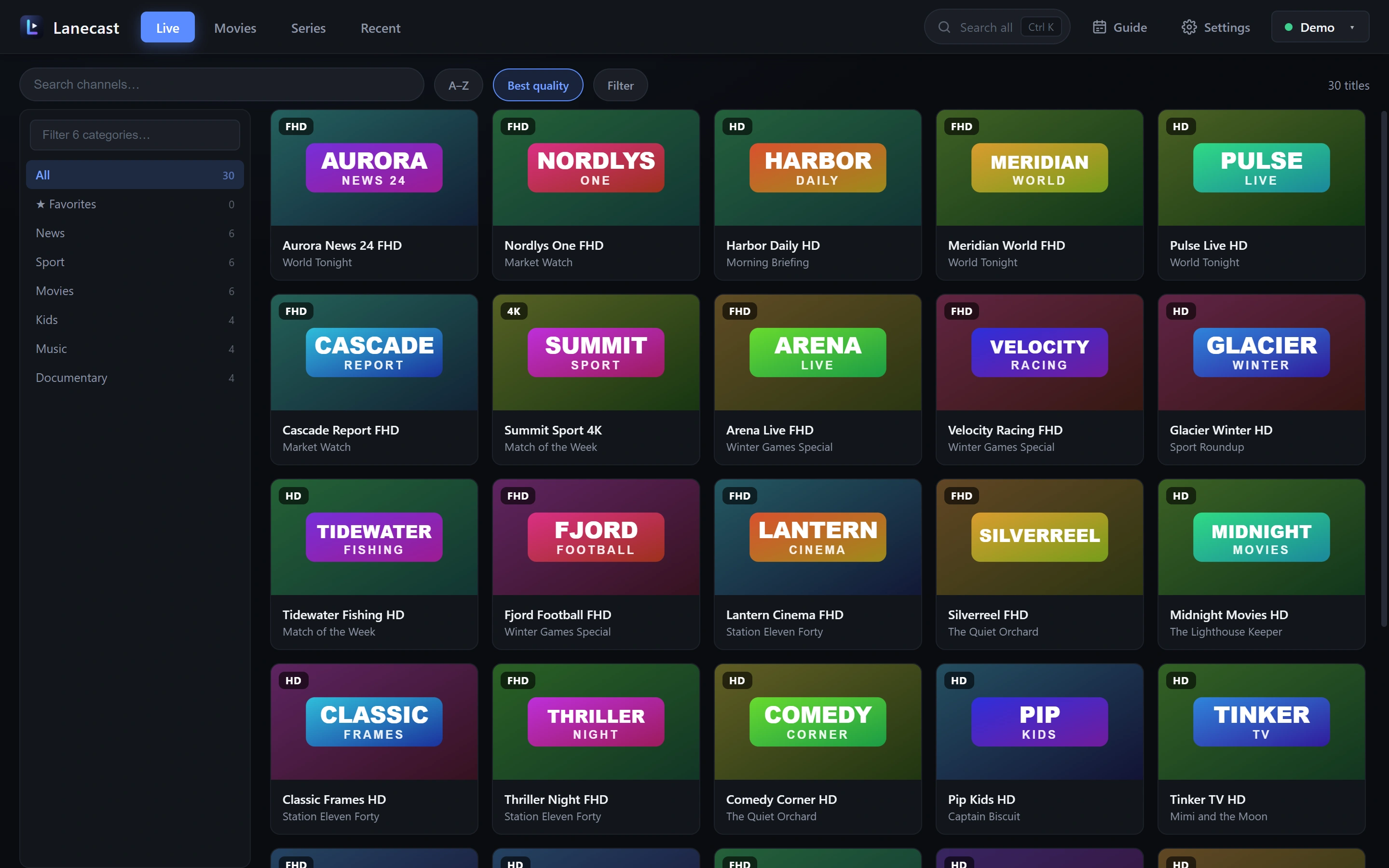
See it in action
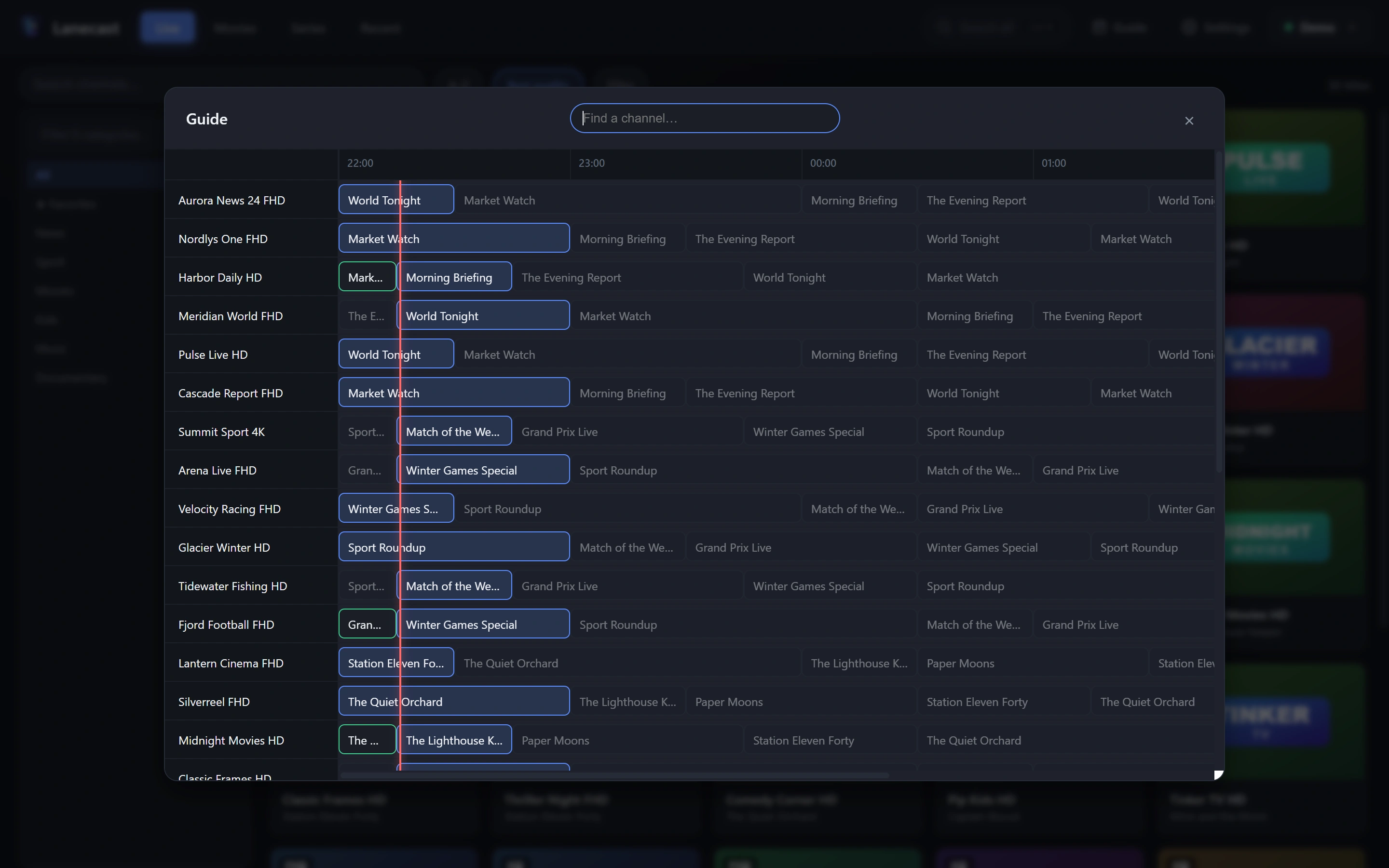
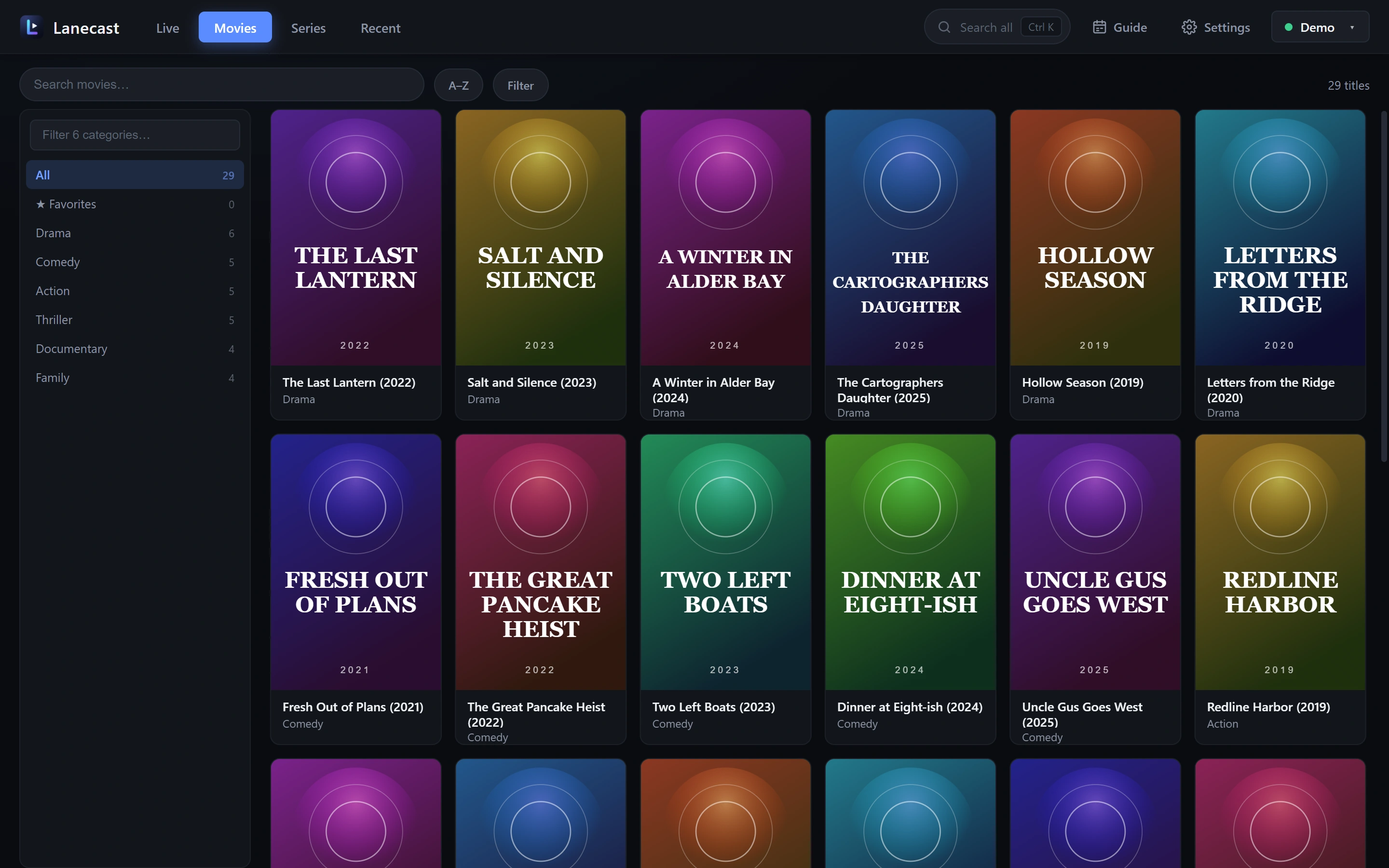
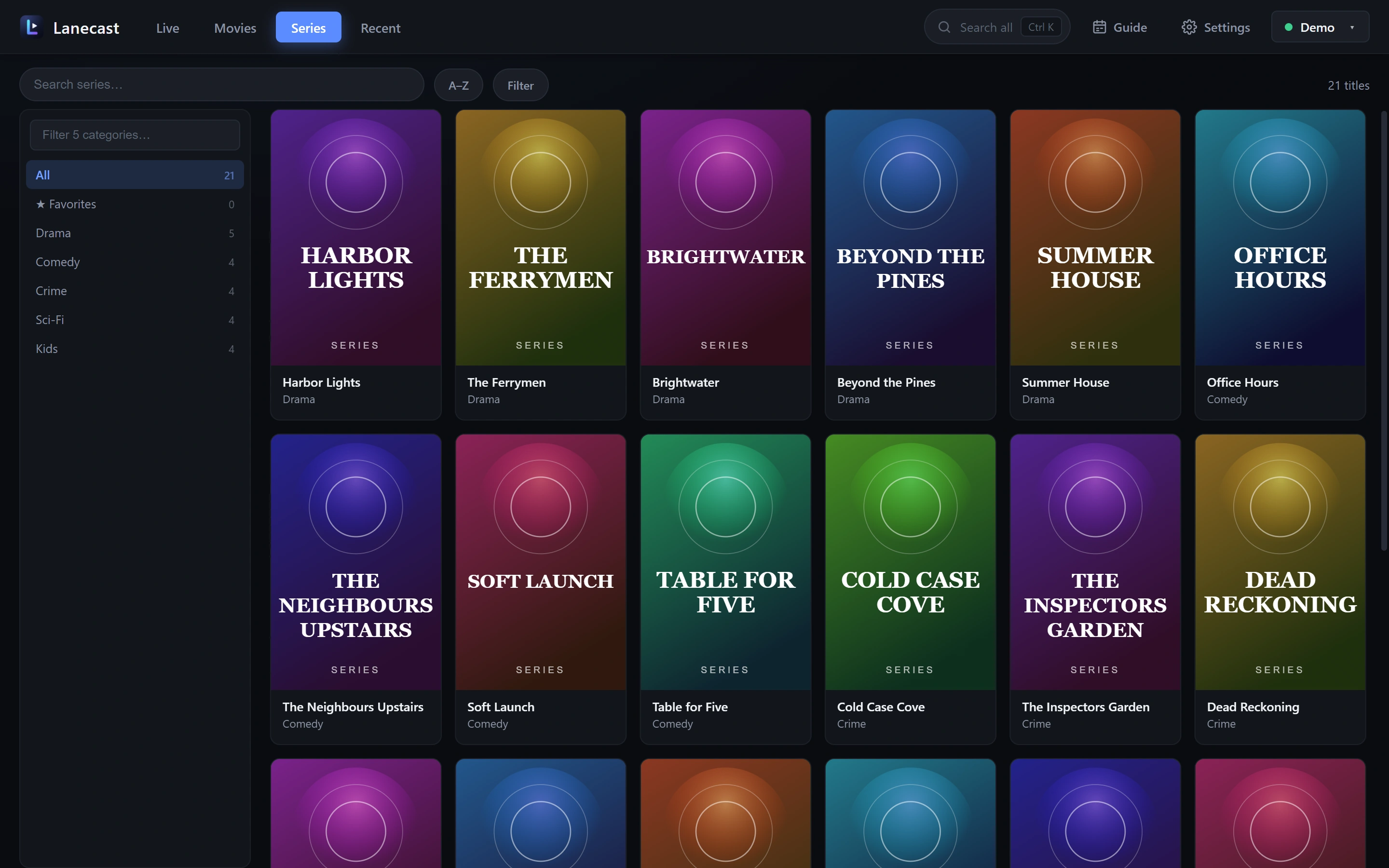
A guide, films and series in one clean window. Shown with invented demo content. Click a picture to enlarge it.
Built for big playlists
Catalogues with tens of thousands of titles stay smooth and easy to browse.
Live TV with a guide
Channel logos, the programme on now and next, a full guide grid, and catch-up on channels that support it.
Films and series
Poster grids, details, seasons and episodes, and "continue watching" that remembers where you stopped.
Search and filter
Search everything with Ctrl+K, filter by region and category, and pin your favorites to the top.
Dolby Digital and DTS sound
Channels and films with audio that players often cannot handle are converted on the fly, so you always get sound.
Subtitles and audio tracks
Pick embedded subtitles and audio languages for films and episodes.
Samsung TV app
The same library on your Samsung TV, controlled with the remote. The app is built and being finished.
Your data stays yours
Sources, favorites and watch history live on your computer. Passwords are encrypted with Windows, and there are no accounts.
Many sources
Add an M3U link, a local M3U file or an Xtream Codes login, and switch between them from the top bar.
Fast with huge lists
Only what is on screen is drawn, and lists are kept on your computer, so Lanecast opens quickly and scrolls smoothly.
Pricing
Lanecast is free while it is in early access, with every feature unlocked. We will announce any change here before it happens.
Early access
- Live TV with a TV guide and catch-up
- Films and series with continue watching
- Dolby Digital and DTS sound, subtitles and audio tracks
- Many sources, favorites, backup and import
Lanecast Pro
- An optional upgrade, planned as a one-time purchase
- No account needed, and your data stays on your computer
- What it adds will be announced before it launches
Questions
The short answers.
Does Lanecast include channels or playlists?
No. Lanecast is only a player. You add your own M3U or Xtream Codes source from a provider you have a subscription with. You are responsible for having the right to view the content you play.
How much does it cost?
Lanecast is free during early access, with every feature unlocked. An optional Pro upgrade is planned for later. We will announce it here before anything changes.
Which devices does it run on?
Windows 10 and 11 today. A Samsung TV (Tizen) app is built and being finished.
Is my login safe?
Sources are stored only on your computer, and Xtream passwords are encrypted using Windows' own credential protection. Lanecast has no account and sends nothing to us. Read the privacy policy.
Windows says the app is from an unknown publisher.
Early versions are not code-signed yet, so Windows SmartScreen may show a warning. Choose "More info", then "Run anyway" if you trust the download.
How do I get support?
Email support@lanecast.app and we will get back to you.
Ready to try Lanecast?
Download it, add your playlist, and be watching in a minute. Free in early access, no account needed.
Download for Windows